
drugs docs›
Drugs
Var-Drugs Installation
-- 4 steps · 1 min read
Installing this resource is like any other resource only verified that you have the required dependencies
01step
Connect via this site: Portal with your CFX account to which your purchase was made on the store https://www.var-fivem.com/
02step
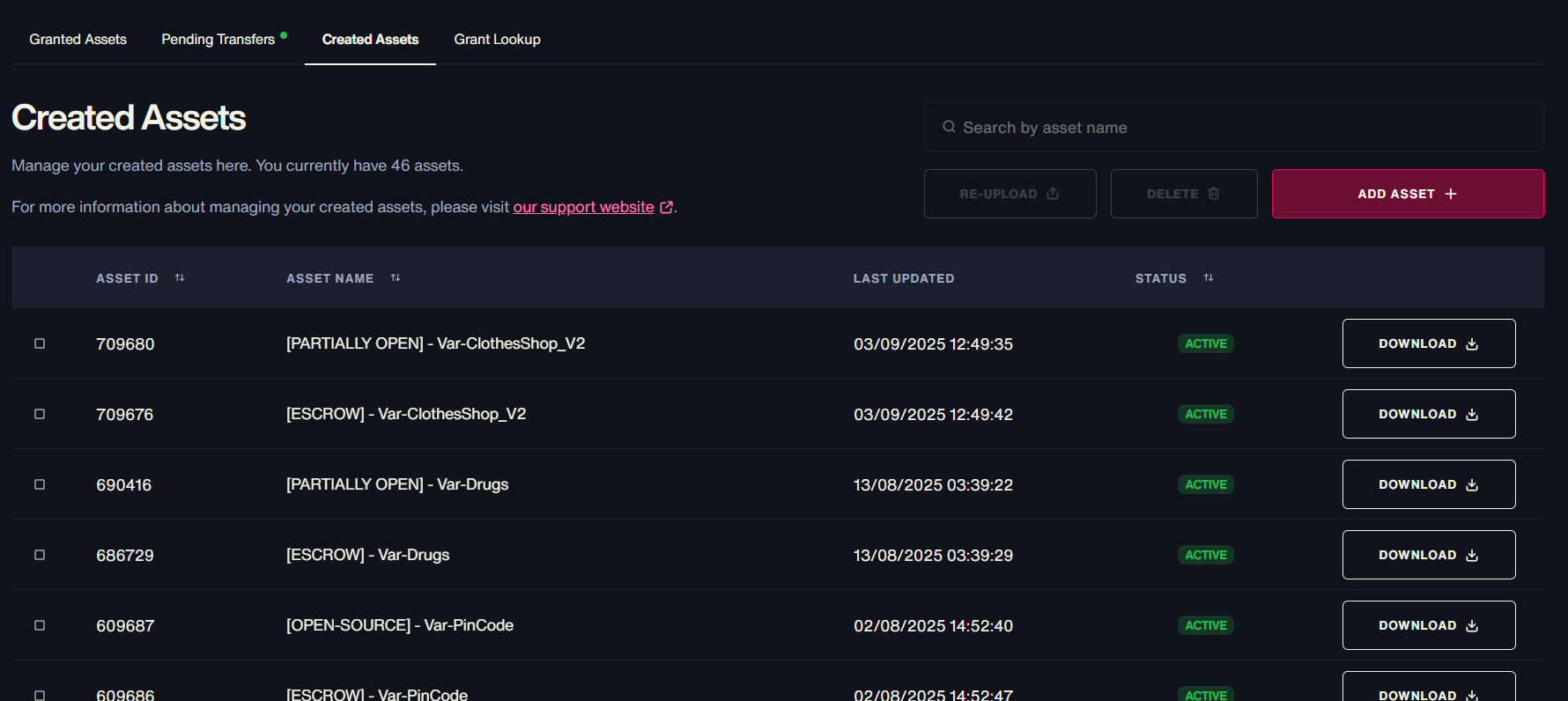
Go to the Granted Assets category and download the most recent version of the Var-Drugs
03step
Import the SQL tables drug_lab and lab_logs located in the sql/ folder.
04step
Place the resource in resources/ and add it to server.cfg.
Ensure bob74_ipl, Var-PinCode, and Var-Crew start before Var-Drugs. (Var-PinCode and Var-Crew is optionnal)