
~/docs/supermarket-simulator/configuration
supermarket simulator docs›
Supermarket Simulator
Configuration
-- 3 steps · 2 code blocks · 1 min read
Installing this resource is like any other resource only verified that you have the required dependencies
01step
Connect via this site: https://keymaster.fivem.net/ with your CFX account to which your purchase was made on the store https://www.var-fivem.com/
02step
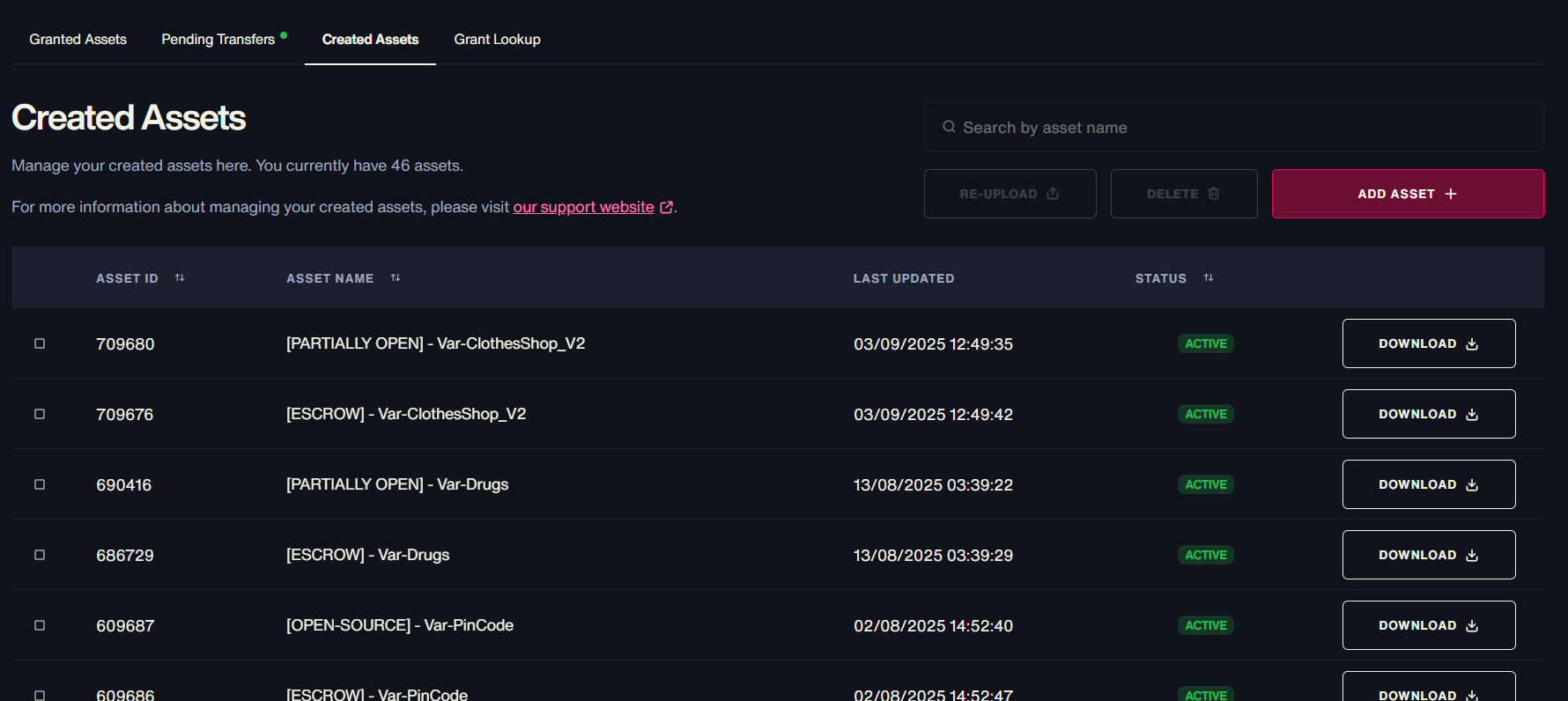
Go to the Granted Assets category and download the most recent version of the Paintball
03step
Once the download is complete, unzip the file and drag it into the resources folder of your server
refresh
ensure var_supermarket_stream
ensure Var-SupermarketSimulator